How to add Gingham to your Home Screen
Open joingingham.com in your phone’s browser and add it to your Home Screen. It opens like an app, full screen, with its own icon.
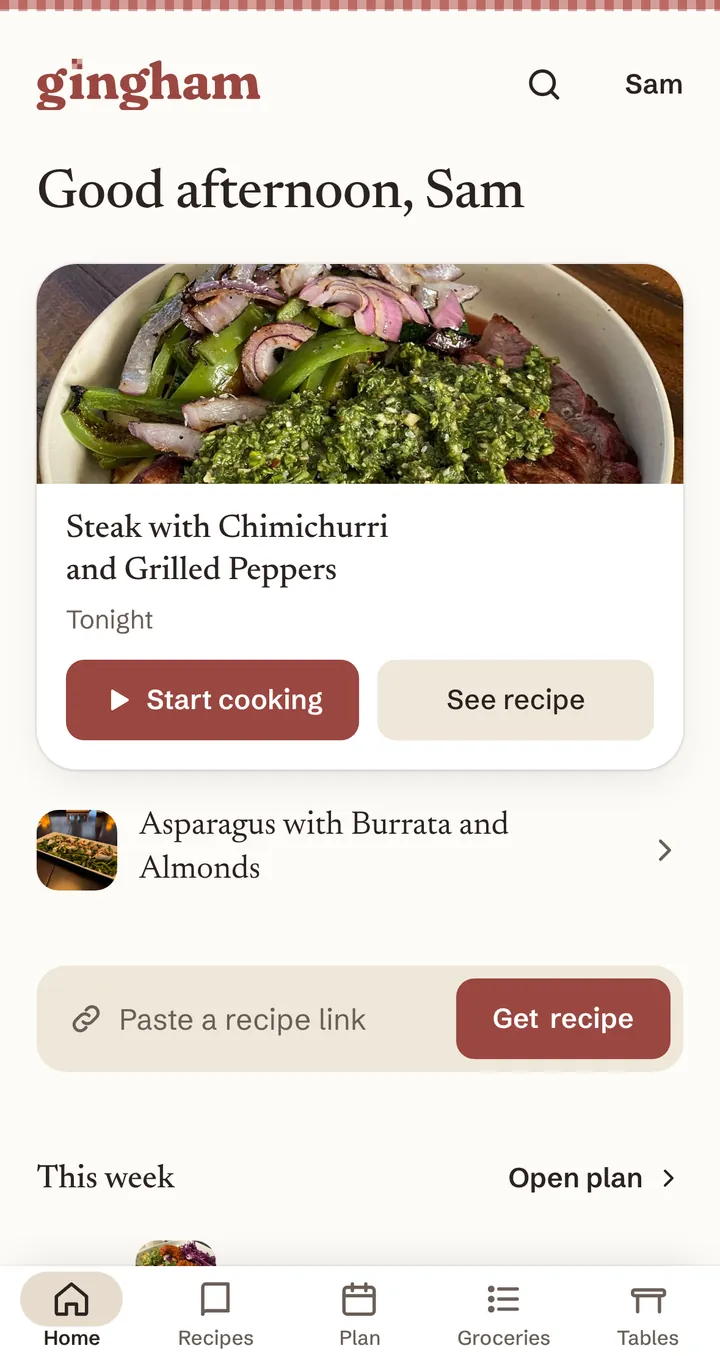
On iPhone
- Open joingingham.com and sign in.
- Tap Share. It’s at the bottom of the screen, or in your browser’s menu.
- Scroll down and tap Add to Home Screen.
- Tap Add. Gingham’s icon is now on your Home Screen.
On Android
- Open joingingham.com and sign in.
- Open your browser’s menu (often the three dots).
- Tap Add to Home screen or Install app.
- Tap Install or Add.
On Android you can then share a recipe link from any app straight to Gingham.
Good to know
It’s the same Gingham as in the browser, with the same account. An iPhone app is on the way.
Try it in Gingham
Make a free account, then follow the steps.