Share recipes with family without sharing a password
Each person makes their own free account and joins your private table with a link, so no one shares a password.
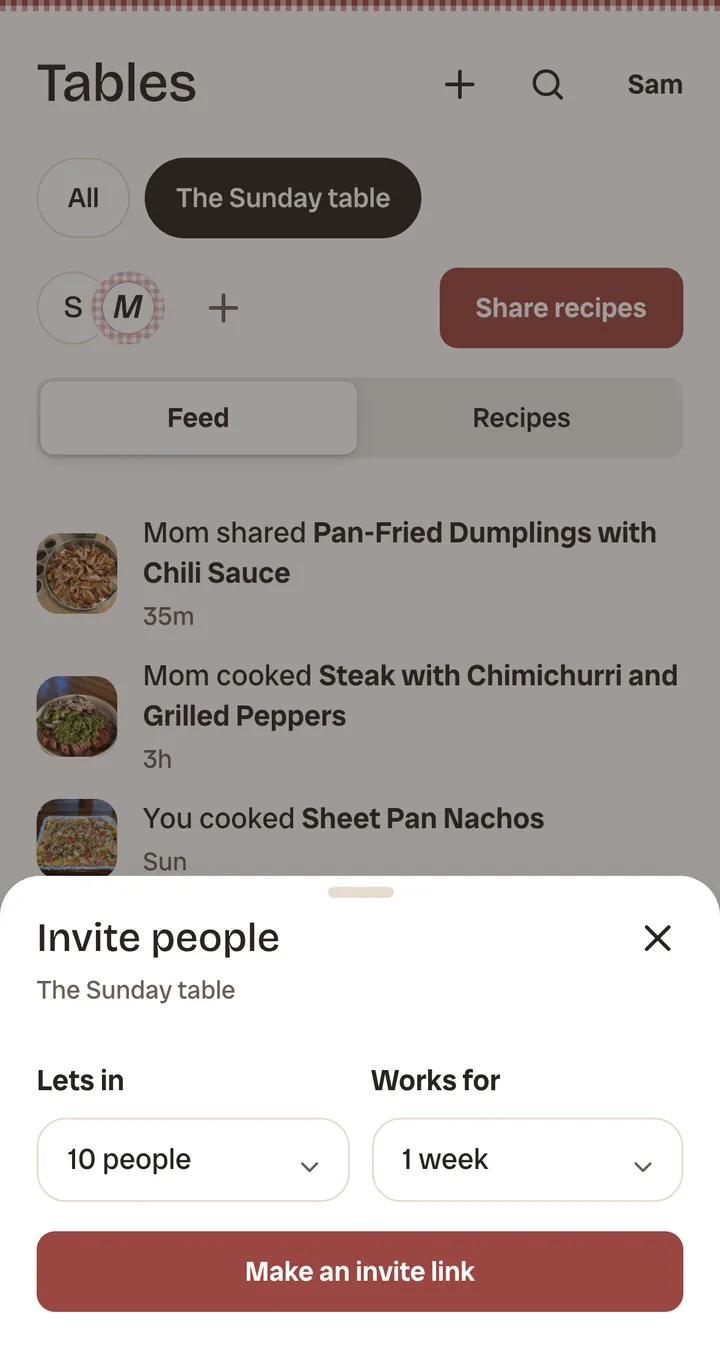
The steps
- Open Tables, tap Start a table, and name it.
- Tap + beside the faces at the top to invite people, and send the link or code.
- Each person makes their own free account and joins. Joining a table is always free.
- Share one recipe with its Share button and turn the table on, or tap Share recipes at the table and pick All my recipes to share your whole library, including recipes you save later.
People at the table see what’s shared there, never your diets, allergies, notes, plan, or Groceries, and no one else can find the table.